See it working
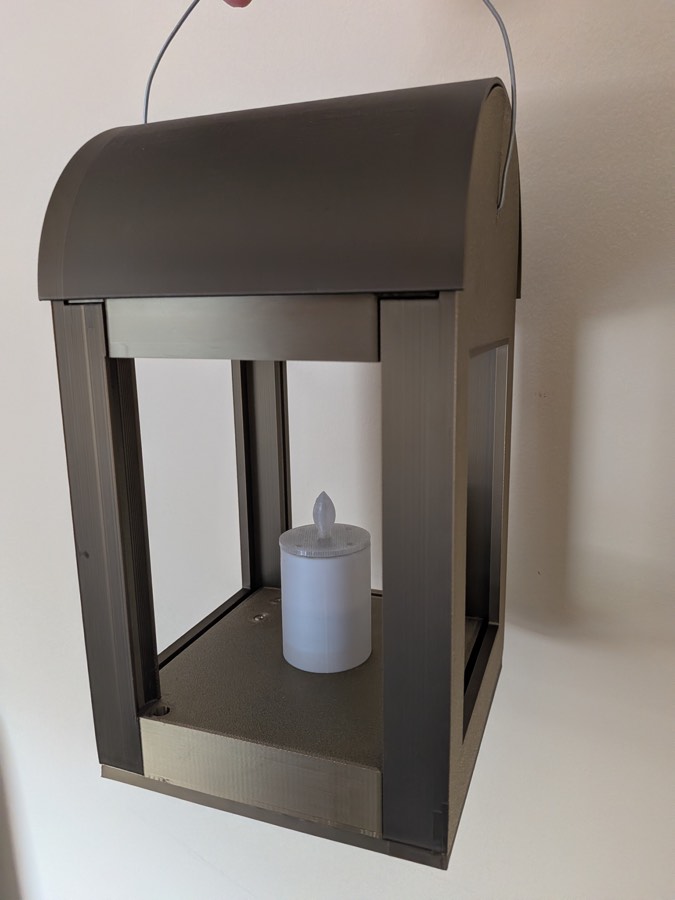
Power
- Each lantern runs from one 18650 cell on a charger board — charge via the board's USB socket (red = charging, green = full).
- On power-up the lantern shows a brief warm-candle flash — that's the "I'm alive" cue — then goes dark until a scene fires. Set On boot (under the scene cards) to a scene and it lights straight into that one instead — handy for a preset that has to be on from the moment the cell goes in.
- There's no soft power switch: off between shows means the physical switch, or pulling the cell.
WiFi is the biggest battery drain. Show mode (WiFi off on
first remote press — see the main
guide) is what makes a lantern last a whole performance.
Pairing remote buttons
Lanterns work with ordinary 433 MHz hobby remotes. Any button can drive any scene, and several remotes can drive the same lantern. The full capture walkthrough is in Using the props; in short: open a scene card, press Capture, press the remote button, choose what the scene does, Save to prop.
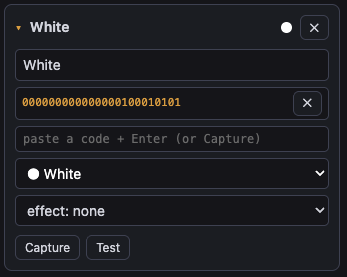
The Last RF code bar at the top of the page shows every code the lantern hears, which is handy for checking a remote's battery or identifying an unknown button.
Scenes on a lantern
| Lights setting | What you get |
|---|---|
| Any palette colour | steady, or any effect —
candle and fire are the lantern's natural
looks; chase and wave run round the six
outer pixels with the centre held at the background level;
pulse, twinkle, strobe and
lightning as described in
Colours, effects and the sliders |
| Off | lantern dark (with an optional fade to black) |
| no change | this button leaves the lights exactly as they are (useful in mixed-prop groups) |
A typical show setup is two buttons: one scene with the warm Candle colour + candle effect and a short fade, one Off scene. Brightness per scene lets a "background" candle sit at 30% and a "featured" one at full from different buttons.
Worth knowing
- Twenty lanterns, one setup. Configure one lantern,
then use its Fleet page to push the
config to the rest. Use groups (e.g.
lantern-silver/lantern-black) if different sets need different looks — and note that on a desk each group then becomes its own fixture (see Desk setup). - Heavy effects and the radio. While a lantern is rendering candle or fire it is busy, and a press to switch away from that scene occasionally needs a second press. Held buttons still fire only once.
- Interference is normal — see capture. If a scene fires by itself, recapture it from a different button.